
About
Hi There! I am a CS undergraduate student at an obscure university in a remote area. I am interested in Rust and Desktop Linux.
How to find me
- Email: rin@notalium.co
- Telegram: @toushitai
- Matrix: @inaha:matrix.org
- GitHub: tsukinaha
- osu!: tsukinaha
- Steam: tsukinaha
- AUR: tsukinaha
My Laptop
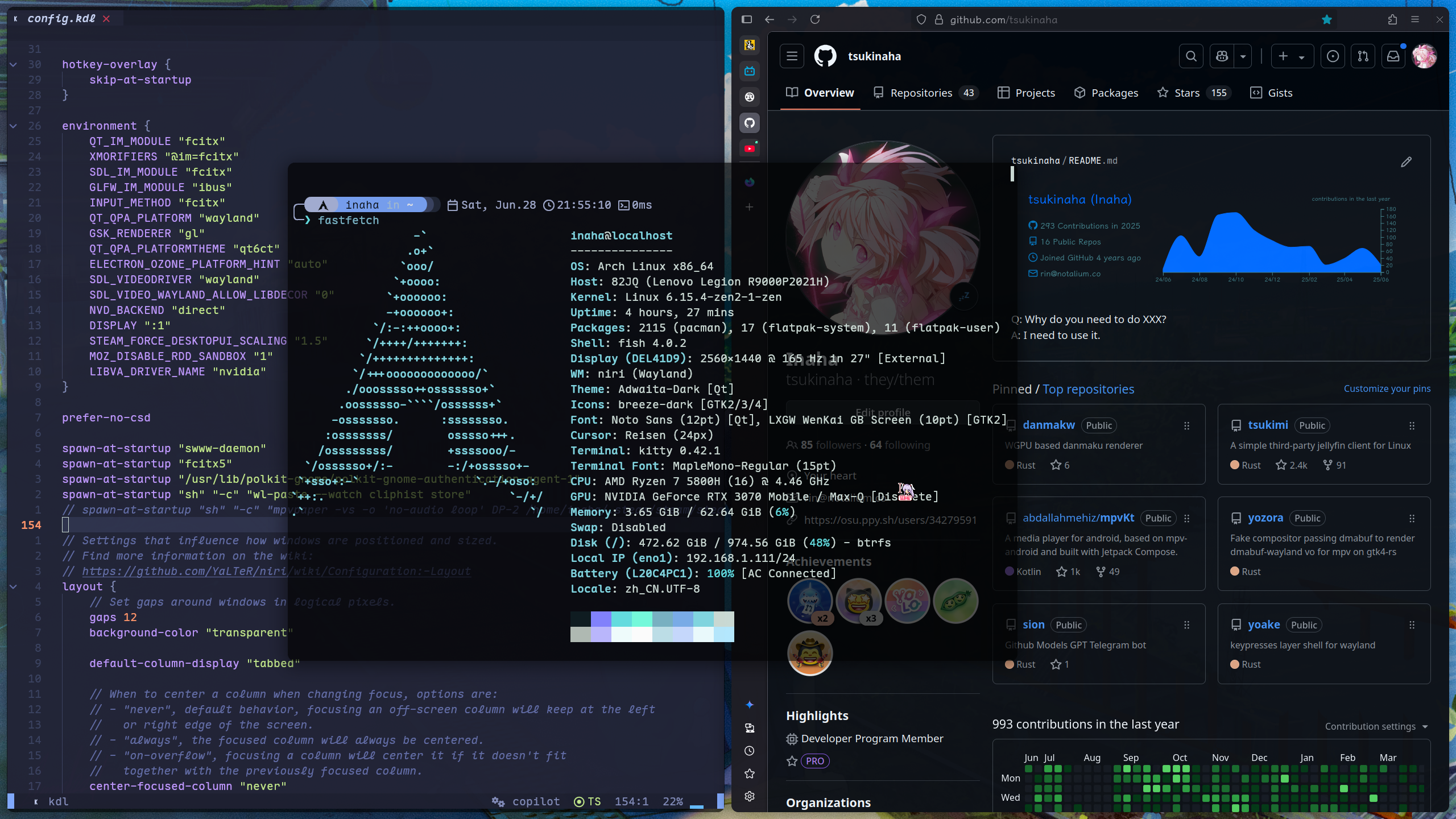
Some of my attempts
- Tsukimi: A simple third-party Jellyfin Client written in Rust.
- danmakw: WGPU based danmaku renderer.
- tomorin: Userbot for Telegram.
- dandanapi: Dandan API client. crates.io
- pkgbuild: A collection of PKGBUILDs I have written.
Friends
DN42 Peering
Global Information
| Key | Value |
|---|---|
| ASN | AS4242421421 |
| MNTNER | VERTIN-MNT |
| IPv4 | 172.20.28.128/27 |
| IPv6 | fddd:d3be:7f00::/48 |
Node Information
North America
| Key | Value |
|---|---|
| Location | OVH, Quebec, Canada |
| Public Hostname | dn42-ca-qbc1.notalium.co |
| Public IPv4 | 15.235.34.18 |
| Public IPv6 | - |
| DN42 IPv4 | 172.20.28.129 |
| DN42 IPv6 | - |
| Tunnel Types | WireGuard |
| BGP Software | Bird2 |
| WireGuard public key | p0Pt7uQv7XjH5F24qGpqlZPVtM+pLZPYD3oBw/gG21Q= |
Peering with me
Please send me an email at rin@notalium.co.
02.09 为 IPv6 Only 的机器安装 Arch Linux
有幸安装了一台只有 IPv6 的服务器,过程记录如下。
安装系统
使用 Arch Linux 官方的 ISO 镜像,将其作为安装介质启动,并 VNC 连接
设置网络
ip -6 link #查看网卡名称 -> ens18
ip -6 addr add <IPv6 地址>/128 dev ens18 #添加 IPv6 地址
ip -6 route add <IPv6 Router 地址> dev ens18 #添加网关路由
ip -6 route add default via <IPv6 Router 地址> dev ens18 onlink #设置默认路由
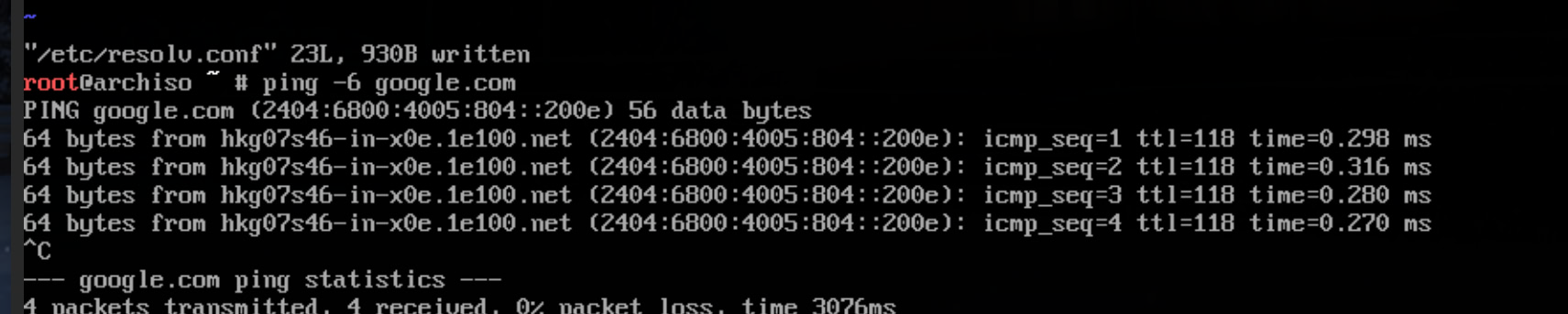
然后使用 ping google.com 测试网络,发现无法解析域名,需要更改 resolver:
# /etc/resolv.conf
nameserver 2001:4860:4860::8888
...
再次 Ping,联通正常
Arch Install
与常规安装相同,参考 Arch Wiki 的安装指南
进入系统
安装完成后,重启进入新系统。由于 ip 命令的作用只存放在内存中,无法联网,依然需要设置网络:
我们使用 systemd-networkd + resolved 来管理网络
Tip
题外话,我在这里遇到了没有 vim/nano/vi 且没有网络的问题
解决办法是打完那堆
ip命令后,使用echo "nameserver 2001:4860:4860::8888" > /etc/resolv.conf来创建 resolver
# /etc/systemd/network/20-wired.network
[Match]
Name=ens18

[Network]
Address=<IPv6 地址>/128
DNS=2001:4860:4860::8888

[Route]
Destination=<IPv6 Router 地址>
Scope=link

[Route]
Gateway=<IPv6 Router 地址>
GatewayOnLink=yes
systemctl enable --now systemd-networkd
使用 ip -6 addr 发现地址没有被分配上
systemctl status systemd-networkd 查看日志,发现被加载的是 20-ethernet.network
这里我使用 cp 20-wired.network 20-ethernet.network 来覆盖掉默认的配置文件
# /etc/systemd/resolved.conf
[Resolve]
DNS=2001:4860:4860::8888
FallbackDNS=2001:4860:4860::8844
Domains=~.
DNSSEC=no
DNSStubListener=yes
systemctl enable --now systemd-resolved
SSHD
Tip
建议修改默认端口,如
39901# /etc/ssh/sshd_config Port 39901 ...
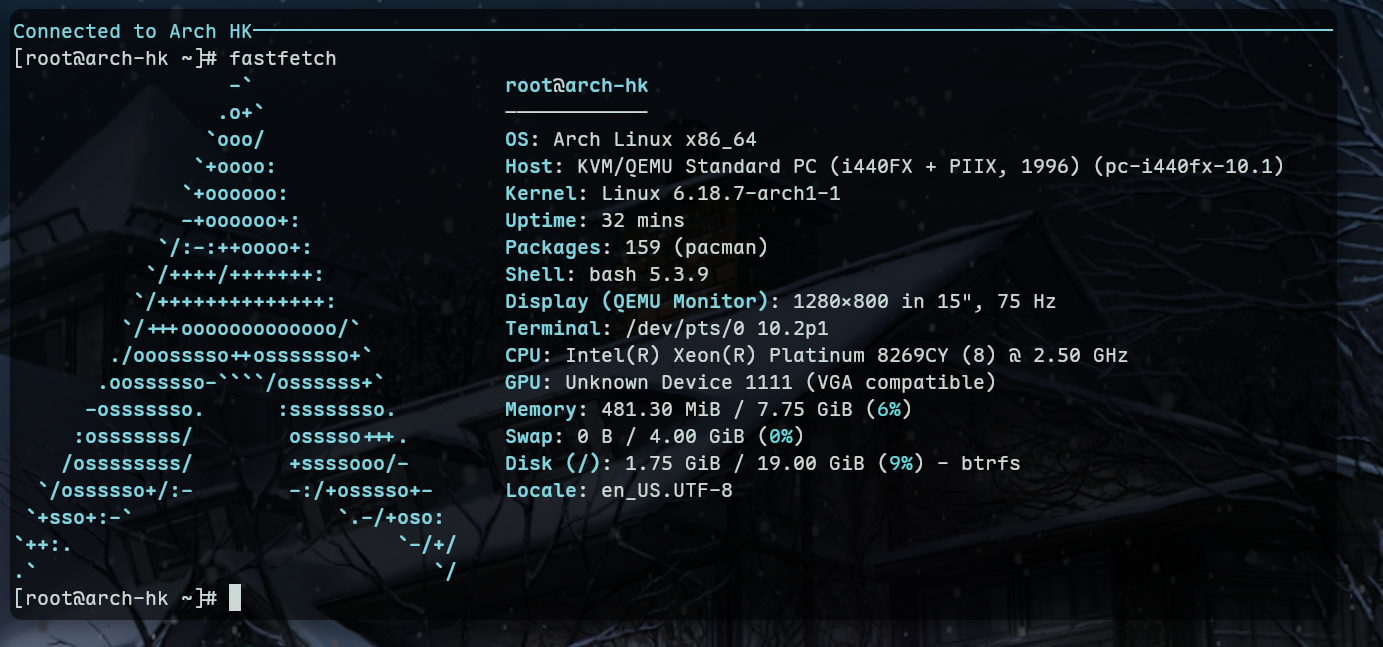
systemctl enable --now sshd
现在可以通过 SSH 连接到这台机器了
07.03 Virtual Memory Note
Question
Given a 2-level paged virtual memory model
| PD Index | PT Index | Offset |
|---|---|---|
| 10 bits | 10 bits | 12 bits |
Also,
| PD Entry Size | PT Entry Size |
|---|---|
| 4 bytes | 4 bytes |
Consider a process P:
| Start Virtual Address | Start Physical Address |
|---|---|
0x12340000H | 0x98760000H |
A page fault occurs when the process P accesses the virtual address (VA) 0x12345678H. The operating system dynamically allocates physical page frames for the corresponding page directory entry and page table entry as follows:
-
The page directory base address is read from CR3 to calculate the physical address of the page directory entry for this access, and a new page is allocated for this entry to serve as a page table.
-
The physical page frame number of the new page table page is set to
0xABCDEH. -
In the new page table, the physical page frame number
0x19810His allocated for the virtual page number.
Answer the following questions:
-
For the given VA, find the:
-
a. Page Directory Index (PD Index)
-
b. Page Table Index (PT Index)
-
c. Offset within the page
-
-
Find the physical address of the Page Directory Entry (PDE PA) for this access.
-
Find the base physical address of the page table (PT Base PA) and the physical address of the Page Table Entry (PTE PA) for this access.
-
Find the final physical address (PA) that is accessed within the page.
Answer
-
For VA
0x12345678H:We got
0001 0010 0011 0100 0101 0110 0111 1000in binary.- a. PD Index:
00 0100 1000 == 0x048H - b. PT Index:
11 0100 0101 == 0x345H - c. Offset:
0110 0111 1000 == 0x678H
- a. PD Index:
-
PDE PA:
0x98600000H + 0x048H * 4 == 0x98600120H -
PT Base PA:
0xABCDEH << 12 == 0xABCDE000HPTE PA:
0xABCDE000H + 0x345H * 4 == 0xABCDE480H -
Final PA
0x19810H << 12 + 0x678H == 0x19810678H
06.30 Tomorin - Telegram Userbot
GitHub: tsukinaha/tomorin
I have recently written a Telegram userbot by gramme.rs, it has serval features:
-
exec shell command
<,/,/./。> <command> -
repeat message: reply to a message with
+ -
eval Rust code: use
r#
<code>
for example:
r#
struct Foo {
    bar: i32,
}

size_of::<Foo>()
this will return
4in the chat.
To use it
git clone https://www.github.com/tsukinaha/tomorin
cd tomorin
cargo build --release
Now you can run it with ./target/release/tomorin.
At the first run, it will generate a config.kdl file, you need to fill it in your details.
Run it again, and follow the instructions (maybe verification code or 2FA).
06.29 PJSK Cursors
打包了 https://colorfulstage.com/media/download/, 效果如右图 
一共 6 个主题,每个主题含有动态静态两套。
PKGBUILD 在这里。
更新于 2025.09.27: 此包已上传至 AUR: pjsk-cursor-theme
如果你不是 Arch Linux 用户,可以在同仓库内找到 pjsk-cursor.sh, 运行它并将 package 目录下的文件复制到你的系统的光标目录下。
06.29 Hello World!
博客的又一次转生。
现在这东西是使用 mdBook 生成的静态网站,我把它部署在了 GitHub Pages 上。
有一说一翻来覆去还是静态好用。

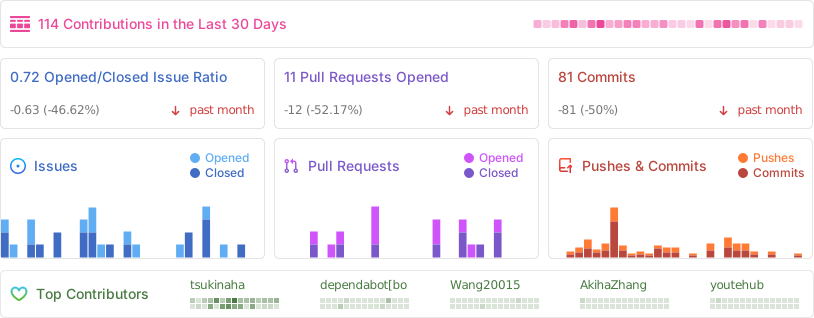
tsukimi
GitHub: tsukinaha/Tsukimi
A simple third-party Jellyfin client for Linux.







About
A simple third-party Jellyfin client written in GTK4-RS, uses MPV as the video player, and GStreamer as the music player.
It’s also partially compatible with Emby.
All of basic functions and most of admin functions are supported.
You can play music and albums, as well as videos with more advanced settings.
Screenshots


Installation

Native Packages

Arch Linux
# AUR release (https://aur.archlinux.org/packages/tsukimi-bin)
paru -S tsukimi-bin

# AUR latest commit (https://aur.archlinux.org/packages/tsukimi-git)
paru -S tsukimi-git

# archlinuxcn repo https://github.com/archlinuxcn/repo/blob/master/archlinuxcn/tsukimi-git/PKGBUILD
sudo pacman -Syu tsukimi-git
AOSC OS
sudo oma install tsukimi
Gentoo Linux
sudo eselect repository enable gentoo-zh
sudo emerge --sync gentoo-zh
sudo emerge --ask media-video/tsukimi
Nix
tsukimi is available in nixpkgs since 24.11.
Source code
MPV Config
Contributing
Translations
If you’d like to help translating Tsukimi into your language, please head over to Weblate.

Disclaimer
The developers of this application does not have any affiliation with the content providers available.
License
tsukimi is licensed under the GPLv3 license.
Thanks to open-source projects like GNOME Music, Fractal, and Clapper—we referenced a lot from them during development, and everyone who contributed code or translations!
Credits
Fonts used in screenshots: LXGW WenKai ScreenAnime in screenshots: Fate/Zero